Why send SMS through Smartschool
Smartschool is one of the leading digital platforms for education management in Europe. Many schools rely on its ecosystem to communicate with students, parents, and staff. However, relying solely on app notifications or emails can leave out those who miss notifications. Integrating SMS adds an extra layer of reach and urgency, ensuring critical messages always get delivered—instantly and reliably.
How SMS integration works with Smartschool
Integrating SMS with Smartschool enables administrators to send messages directly from their dashboard to groups or individuals. Schools can alert parents of urgent events, absence notifications, inclement weather closings, or schedule changes—all in a few clicks. Using a reliable SMS software platform like Smstools allows schools to automate, personalise, and centralise all messaging, seriously increasing operational efficiency.
Main benefits
- Reach all parents, even those without the Smartschool app
- Instant delivery and high open rates
- Personalise messages with student details
- Automate recurring notifications (birthdays, reminders, etc.)
- Stay compliant with GDPR and privacy standards
Step by step: Sending SMS via Smartschool
- Choose an SMS provider like Smstools with a robust API
- Set up your Smartschool account for integration (requires admin access)
- Connect your Smstools account via pre-made connectors or through Make.com and Zapier
- Define communication groups (parents, students, staff, per class)
- Compose your message and insert personalisation tags (first names, dates, etc.)
- Schedule or send immediately
- Track delivery and responses in real-time from your Smstools dashboard
Try it yourself: Request a free trial and explore what integrated SMS can do for your school’s communication. REGISTER →
Popular use cases
- Absence alerts: Notify parents if a student is absent
- Events and emergencies: School closures, PTA reminders
- Grade notifications: Inform when new grades are posted
- Payment reminders: Expedite school fee collection
- Birthday & motivational messages: Build community and morale
Best practices for school SMS messaging
- Keep messages concise and clear
- Always personalise—use names, class, or other contextual details
- Schedule messages at appropriate times
- Respect opt-out and privacy preferences of recipients
- Track and analyse campaign success
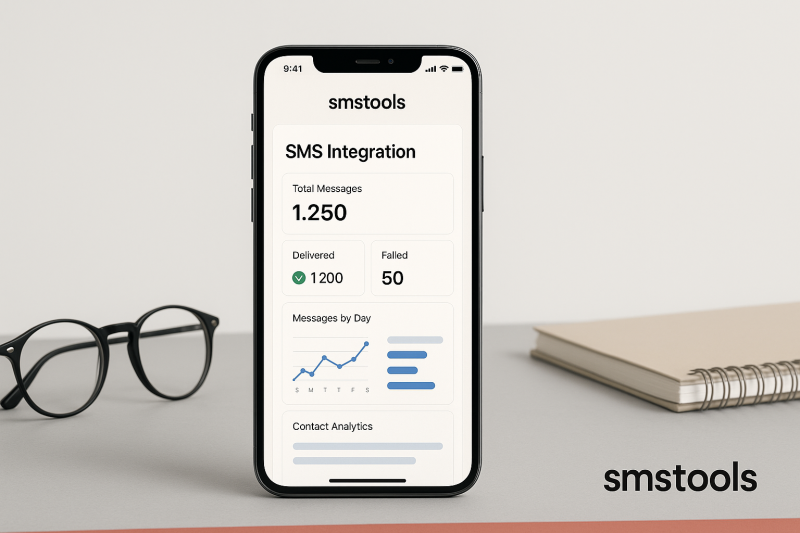
Automate your Smartschool SMS with Smstools
With ready-made integrations for Make.com and Zapier, Smstools makes automating Smartschool SMS effortless. Use triggers like absence reporting or scheduled maintenance to auto-send messages. Explore how our SMS software can sync seamlessly with your existing school tools, delivering powerful automation whether you’re running one school or a multi-location network.
Fully supported by European infrastructure since 2004, Smstools takes pride in robust reliability and easy onboarding. Explore also options like virtual SMS numbers, bulk SMS, and birthday SMS automation.
Get started with Smstools and Smartschool
- Sign up for a free Smstools account
- Connect Smartschool via Make.com or Zapier integration
- Automate, personalise and track all your school communications from one place
FAQ: Sending SMS in Smartschool
- Can I send group SMS to parents? Yes, you can easily select groups such as all parents, per class or custom segments.
- Do I need IT support to set up integration? No advanced programming is required. Use Make.com or Zapier templates.
- Can I use WhatsApp or Email as well? Yes, with Smstools you can send WhatsApp newsletters and trigger Email-2-SMS campaigns.
- Can I automate absence reporting? Absolutely. Set up triggers in Make.com or Zapier.
- How do I track SMS delivery? The Smstools dashboard provides delivery status, replies, and analytics.
Ready to empower your school with reliable SMS? Try Smstools for free today.
Sign up today and send your first SMS message in minutes.Send text messages online with the #1 sms tools text marketing platform